
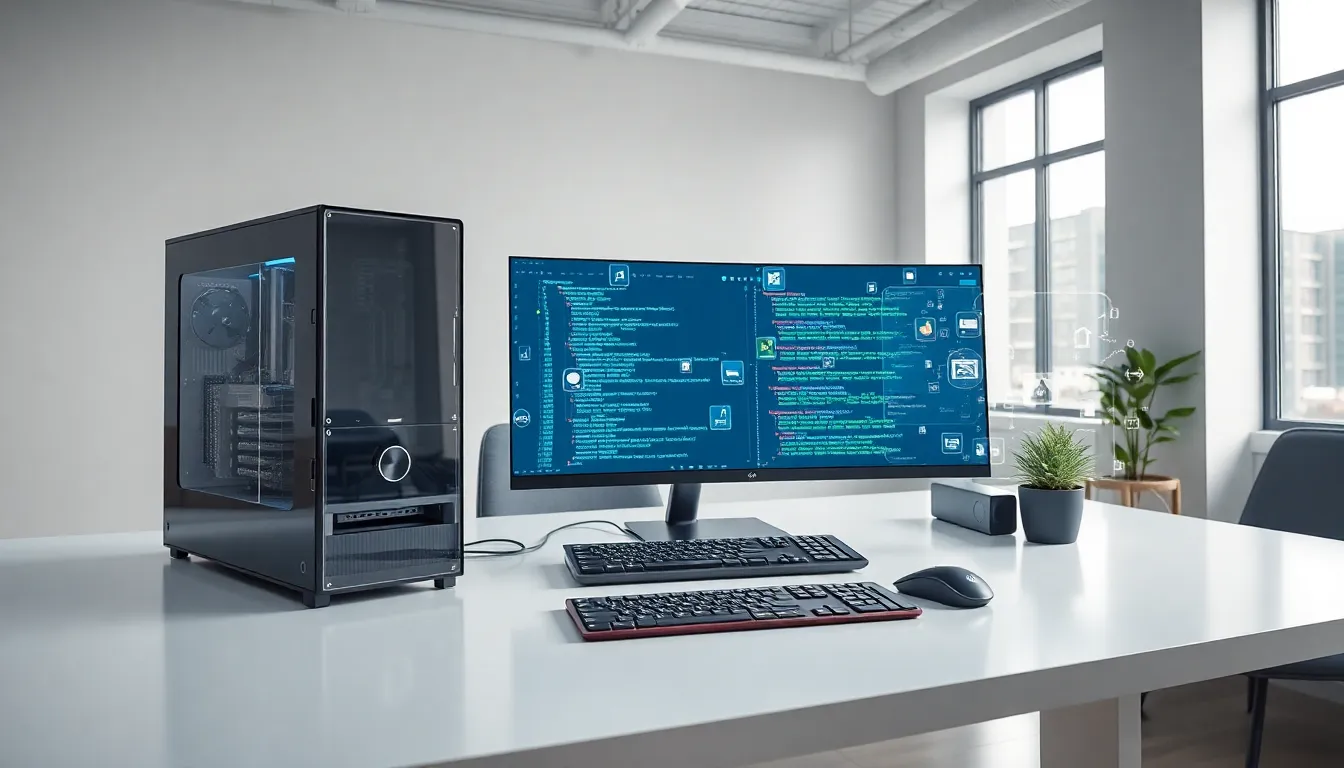
Software vs. hardware, it’s a distinction every computer user encounters, yet many people struggle to explain the difference clearly. One you can touch: the other exists only as code. Both are essential for any computing device to function, but they serve completely different purposes.
Understanding this difference matters more than you might think. Whether someone is troubleshooting a slow computer, shopping for new tech, or simply curious about how devices work, knowing where software ends and hardware begins provides valuable clarity. This guide breaks down what each term means, highlights the core differences, and explains how software and hardware work together to power modern technology.
Table of Contents
ToggleKey Takeaways
- Software consists of programs and code that tell hardware what to do, while hardware includes all physical components you can touch.
- The software vs hardware distinction matters for troubleshooting—knowing which one causes a problem saves time and money.
- Software can be updated or reinstalled easily, but hardware upgrades require purchasing and physically installing new components.
- Drivers act as the essential bridge that allows software to communicate with specific hardware devices.
- Neither software nor hardware functions independently—they work together in a continuous cycle to execute every command on your device.
- Hardware degrades over time due to physical wear, while software never wears out but can become outdated or incompatible.
What Is Software?
Software refers to the programs, applications, and operating systems that run on a computer. It consists of coded instructions that tell hardware what to do. Users cannot physically touch software, it exists as data stored on drives and executed in memory.
There are two main categories of software:
- System software: This includes operating systems like Windows, macOS, and Linux. System software manages hardware resources and provides a platform for other programs to run.
- Application software: These are programs users interact with directly. Examples include web browsers, word processors, games, and mobile apps.
Software is flexible. Developers can update, modify, or replace it without changing physical components. A smartphone’s camera app, for instance, can gain new features through a software update while the camera hardware stays the same.
The software on any device determines what tasks it can perform. A computer with powerful hardware but outdated software will underperform. Conversely, well-designed software can maximize what limited hardware can accomplish.
What Is Hardware?
Hardware encompasses all the physical components of a computer or electronic device. These are the parts you can see and touch, the tangible pieces that make up a machine.
Common hardware components include:
- Central Processing Unit (CPU): The “brain” of the computer that executes instructions
- Random Access Memory (RAM): Temporary storage for data the CPU needs quickly
- Hard drives and SSDs: Long-term storage for files, programs, and the operating system
- Motherboard: The main circuit board connecting all components
- Graphics Processing Unit (GPU): Handles visual rendering and display output
- Input devices: Keyboards, mice, touchscreens, and microphones
- Output devices: Monitors, speakers, and printers
Hardware has physical limitations. A processor can only calculate so fast. RAM has a fixed capacity. These constraints exist because hardware consists of real materials, silicon chips, metal circuits, plastic casings, and glass screens.
Upgrading hardware typically requires purchasing new components and physically installing them. This process costs more and takes more effort than a simple software update. But, hardware upgrades often deliver performance improvements that software changes alone cannot achieve.
Core Differences Between Software and Hardware
The software vs. hardware distinction comes down to several key factors. Here’s a clear breakdown:
| Aspect | Software | Hardware |
|---|---|---|
| Physical form | Intangible (code and data) | Tangible (physical components) |
| Can you touch it? | No | Yes |
| How it’s changed | Updates, patches, reinstallation | Replacement or physical repair |
| Degradation | Does not wear out physically | Wears out over time |
| Cost to modify | Often free or low-cost | Usually expensive |
| Examples | Windows, Chrome, Photoshop | CPU, monitor, keyboard |
Permanence and Flexibility
Software can be copied, deleted, and reinstalled countless times. Hardware cannot duplicate itself, each piece requires manufacturing.
Software bugs get fixed through patches. Hardware defects often require recalls or physical repairs. A cracked screen needs replacement: a buggy app just needs an update.
Dependency
Software depends entirely on hardware to function. Without a processor, memory, and storage, software has nowhere to run. Hardware, meanwhile, is useless without software to direct its operations. A brand-new laptop with no operating system installed is essentially an expensive paperweight.
Lifespan Considerations
Hardware degrades. Batteries lose capacity. Moving parts fail. Circuits eventually burn out. Software, by contrast, doesn’t wear out from use. It can become outdated or incompatible, but the code itself remains unchanged whether it runs once or a million times.
How Software and Hardware Work Together
Software and hardware form a partnership. Neither functions independently, they need each other to accomplish anything useful.
Here’s how the relationship works in practice:
- The user gives a command (clicks an icon, types a search query)
- Input hardware captures it (mouse, keyboard, touchscreen)
- Software interprets the input and determines what action to take
- The CPU executes instructions provided by the software
- Output hardware displays results (monitor shows the webpage, speakers play sound)
This cycle happens billions of times per second on modern devices.
Drivers: The Bridge Between Worlds
Drivers are specialized software that allows the operating system to communicate with specific hardware. When someone installs a new printer, they often need to install printer drivers. These small programs translate software commands into instructions the printer hardware understands.
Without proper drivers, hardware may not work correctly, or at all. This explains why a perfectly functional webcam might fail after an operating system update. The old drivers no longer match the new software.
Performance Optimization
The best computing experience comes from balanced software and hardware. Fast hardware running bloated software performs poorly. Efficient software on outdated hardware also struggles.
Tech companies spend billions optimizing this relationship. Apple designs both its hardware and software, allowing tight integration. Android manufacturers must optimize their software for various hardware configurations, which presents different challenges.
Understanding software vs. hardware helps users make smarter decisions. Sometimes a slow computer needs more RAM (hardware). Other times, it just needs a fresh operating system installation (software). Knowing the difference saves time and money.


