
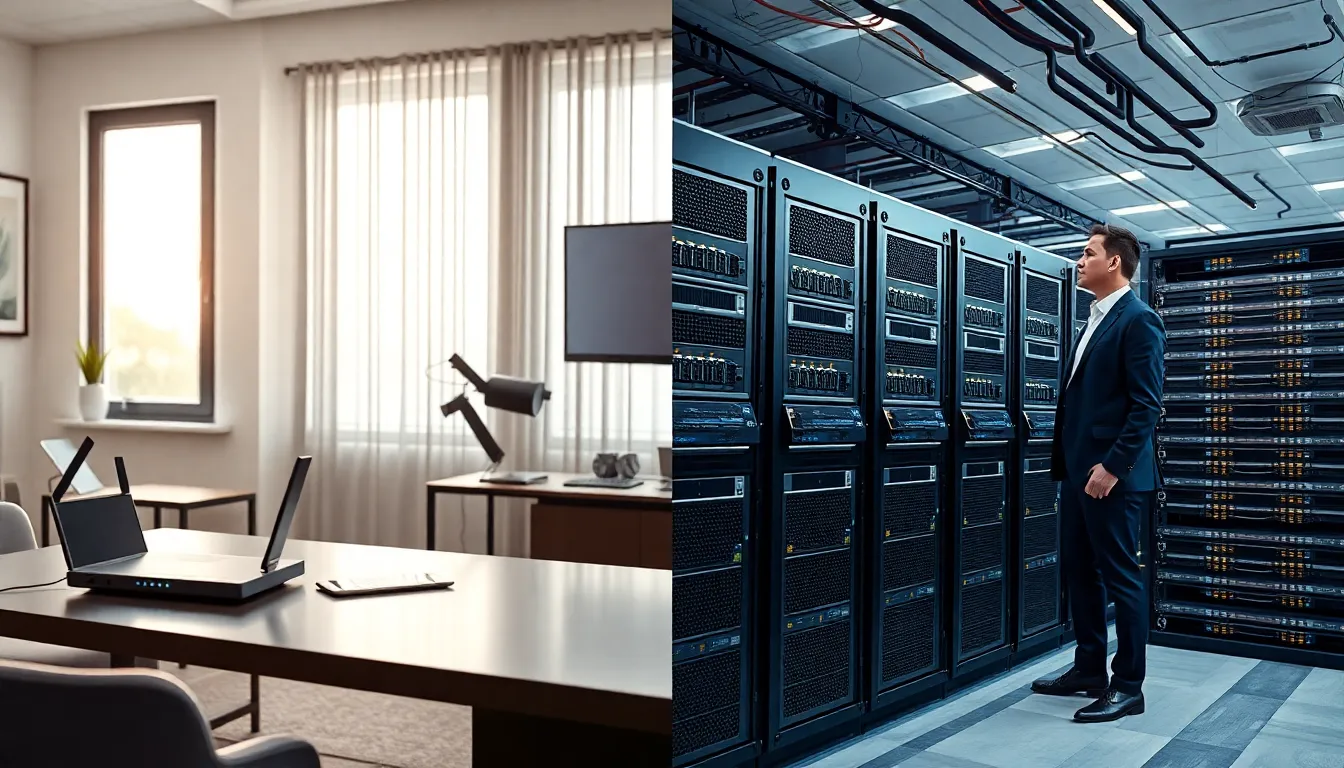
Home networking vs. enterprise networking, two terms that sound similar but serve very different purposes. Most people set up a Wi-Fi router at home without thinking twice. Businesses, on the other hand, require systems that support hundreds or thousands of users simultaneously. The gap between these two setups affects everything from cost to security to performance.
Understanding these differences matters whether someone is upgrading their home office or evaluating network solutions for a growing company. This guide breaks down what separates home networks from enterprise systems, explores core technical differences, and helps readers determine which setup fits their specific needs.
Table of Contents
ToggleKey Takeaways
- Home networking supports up to 50 devices with basic security, while enterprise networking handles thousands of endpoints with multi-layered protection.
- Enterprise networks require managed switches, firewalls, and dedicated IT staff, whereas home networks rely on a single router for simplicity.
- The cost difference between home networking vs enterprise networking is dramatic—home setups run $100–$500, while enterprise infrastructure can exceed $500,000.
- Choose home networking if you have fewer than 50 devices and no sensitive business data; opt for enterprise solutions when uptime and compliance are critical.
- Small businesses caught between home and enterprise needs can use prosumer or SMB-focused gear as a cost-effective middle ground.
- Security investments in enterprise networks make financial sense since data breaches cost businesses an average of $4.45 million.
What Is Home Networking?
Home networking refers to the system that connects devices within a residential space. This includes laptops, smartphones, smart TVs, gaming consoles, and IoT devices like thermostats or security cameras.
A typical home network relies on a single router provided by an internet service provider (ISP) or purchased separately. This router handles both wired and wireless connections, usually supporting anywhere from 10 to 50 devices.
Key Components of Home Networks
- Router/modem combo: Most homes use an all-in-one device that connects to the ISP and broadcasts Wi-Fi.
- Wi-Fi extenders or mesh systems: Larger homes may add these to eliminate dead zones.
- Ethernet cables: Some users hardwire devices like desktop computers or gaming systems for faster, more stable connections.
Home networking prioritizes simplicity. Setup takes minutes, not hours. The average user doesn’t need advanced configuration, they plug in the router, create a password, and start browsing.
Security on home networks tends to be basic. WPA3 encryption protects wireless traffic, but most households don’t carry out firewalls, VLANs, or intrusion detection systems. The assumption is that threats are lower when only family members access the network.
Cost remains minimal. A decent home router costs between $50 and $300. Mesh systems run slightly higher, typically $200 to $500 for a complete setup. Monthly expenses come down to the ISP bill, which averages $50 to $100 in the United States.
What Is Enterprise Networking?
Enterprise networking describes the infrastructure that connects devices, users, and applications across a business organization. These networks support offices, warehouses, data centers, and remote employees, sometimes spanning multiple locations worldwide.
Unlike home networking, enterprise systems handle thousands of simultaneous connections. They require specialized hardware, dedicated IT staff, and layered security protocols.
Key Components of Enterprise Networks
- Managed switches: These devices direct traffic efficiently across large networks and allow administrators to prioritize certain data types.
- Enterprise-grade routers and firewalls: Hardware from vendors like Cisco, Juniper, or Fortinet provides advanced traffic management and threat protection.
- Access points: Businesses deploy multiple wireless access points to ensure coverage across large facilities.
- Servers and storage systems: On-premise or cloud-based servers host applications, databases, and file storage.
- Network monitoring tools: IT teams use software to track performance, detect anomalies, and troubleshoot issues in real time.
Enterprise networking demands high availability. Downtime costs money, sometimes thousands of dollars per minute for large organizations. Redundancy is built into every layer. If one component fails, backup systems kick in automatically.
Security is a top priority. Enterprise networks use firewalls, intrusion prevention systems, VPNs for remote access, and network segmentation to isolate sensitive data. Compliance requirements like HIPAA, PCI-DSS, or SOC 2 often dictate specific security measures.
Costs scale dramatically. Enterprise switches alone can cost $5,000 to $50,000 each. Full network infrastructure for a mid-sized company might run into six figures, plus ongoing expenses for maintenance, software licenses, and IT personnel.
Core Differences Between Home and Enterprise Networks
Home networking vs. enterprise networking differences extend beyond just scale. Here’s how they compare across critical factors:
Scale and Capacity
Home networks support a handful of users and dozens of devices. Enterprise networks manage hundreds or thousands of endpoints across multiple locations. The hardware, bandwidth, and architecture differ significantly to accommodate these demands.
Security
Home networks use basic encryption and rely on router-level protection. Enterprise networks carry out multi-layered security: firewalls, intrusion detection, endpoint protection, network segmentation, and regular security audits. Data breaches cost businesses an average of $4.45 million in 2023, according to IBM, so enterprise security investments make financial sense.
Management and Monitoring
Homeowners rarely monitor their networks. They troubleshoot when something breaks. Enterprise IT teams monitor traffic 24/7, using dashboards and alerts to catch problems before they affect operations.
Redundancy and Reliability
If a home router fails, someone resets it or buys a new one. Inconvenient, but not catastrophic. If an enterprise network goes down, business stops. Enterprise systems build redundancy at every level, backup internet connections, failover switches, and geographically distributed data centers.
Cost Structure
Home networking involves a one-time equipment purchase plus monthly ISP fees. Enterprise networking requires significant capital investment, ongoing maintenance contracts, software subscriptions, and dedicated staff. The total cost of ownership differs by orders of magnitude.
| Factor | Home Networking | Enterprise Networking |
|---|---|---|
| Users | 1–10 | 100–10,000+ |
| Devices | 10–50 | 1,000–100,000+ |
| Security | Basic encryption | Multi-layered systems |
| Management | Self-managed | IT team required |
| Cost | $100–$500 setup | $50,000–$500,000+ |
Which Network Setup Is Right for You?
Choosing between home networking vs. enterprise solutions depends on specific needs, budget, and growth expectations.
Home Networking Makes Sense When:
- The network serves a single household or small home office
- Device counts stay under 50
- Security needs are standard (no sensitive business data)
- Budget constraints exist
- Technical expertise is limited
For remote workers or freelancers, a quality mesh system and a reliable ISP connection handle most requirements. Adding a VPN for work-related traffic provides an extra security layer without enterprise-level complexity.
Enterprise Networking Makes Sense When:
- The organization employs more than 20–30 people
- Multiple locations need connection
- Compliance regulations apply (healthcare, finance, government)
- Uptime is critical to revenue
- Sensitive customer or business data requires protection
Small businesses sometimes fall into a middle ground. They’ve outgrown consumer-grade equipment but don’t need full enterprise infrastructure. In these cases, prosumer or SMB-focused networking gear offers a reasonable compromise, better performance and security than home equipment at a fraction of enterprise costs.
The key question: what happens if the network fails? If the answer is “I can’t watch Netflix for an hour,” home networking works fine. If the answer involves lost revenue, angry customers, or compliance violations, enterprise solutions become necessary.


